


The combination of n8n TradingView is a game-changer for me. What began as hours of manual charting and tracking signals morphed into an effortless, round-the-clock operation that never misses a beat.
How does n8n TradingView integration work?
Yes, n8n TradingView can integrate directly using webhooks, allowing automated trading workflows that capture alerts, process signals, and execute trades. According to Statista, the global marketing automation industry is expected to reach $21.7 billion by 2032, indicating a significant demand for automation solutions across various industries.
What Makes n8n TradingView Automation So Powerful
I’ll take you through precisely why this combo has become essential for serious traders. When I built my first n8n TradingView workflow, I was amazed at how it took away my whole day of staring at the screen.
N8n is an automation engine that connects everything. A trading bot is like having a charity organization in your life, where all your orders are executed instantaneously without getting emotional and missing out on opportunities. You don’t need to code to create automated trading strategies, thanks to the platform’s visual workflow builder.
TradingView offers a package with their professional-grade charting and alert system. Merging TradingView with n8n creates a trading robot that does not require your presence, thanks to TradingView’s market analysis and n8n’s automation.
n8n workflows are activated by TradingView alerts through webhooks. Webhooks are like your trading notification assistants. They allow you to send your trading signals from your charts to automated actions like logging your trade, sending alerts, which send the order to your broker’s API.
Real-World Applications I’ve Tested
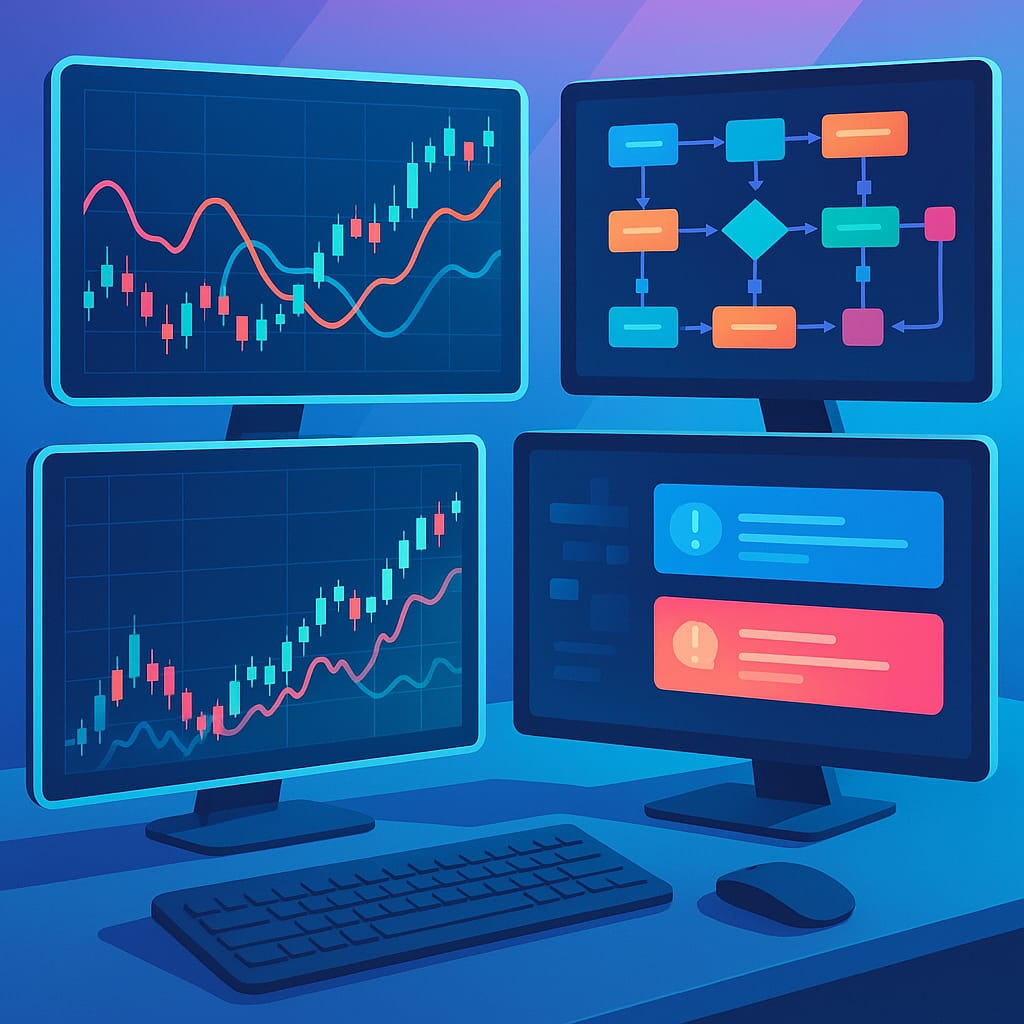
Signal Processing and Trade Logging
Another workflow I tested focuses on distributing alerts from n8n TradingView across multiple platforms. When alerts trigger, n8n automatically:
- Logs trade signals in Google Sheets with timestamps and entry prices
- Sends notifications to Telegram, Discord, and email
- Updates position tracking spreadsheets with real-time P&L calculations
- Triggers risk management protocols if drawdown thresholds are exceeded
Additionally, when I tested the n8n TradingView Signal Extractor workflow from n8n’s template library, the results exceeded my expectations. This process continuously checks Gmail for TradingView alerts, picks up BUY or SELL signals with timestamps, logs everything in Google Sheets, and sends instant Telegram notifications. The beauty of this setup is its reliability, as I configured it to check for new signals every minute, ensuring there is no delay between the market and my trading system.
AI-Enhanced Chart Analysis
The most impressive workflow I’ve implemented uses GPT-4 for technical analysis combined with TradingView charts. By taking screenshots of charts from TradingView, sending them through the OpenAI vision model, and returning analysis in Telegram.
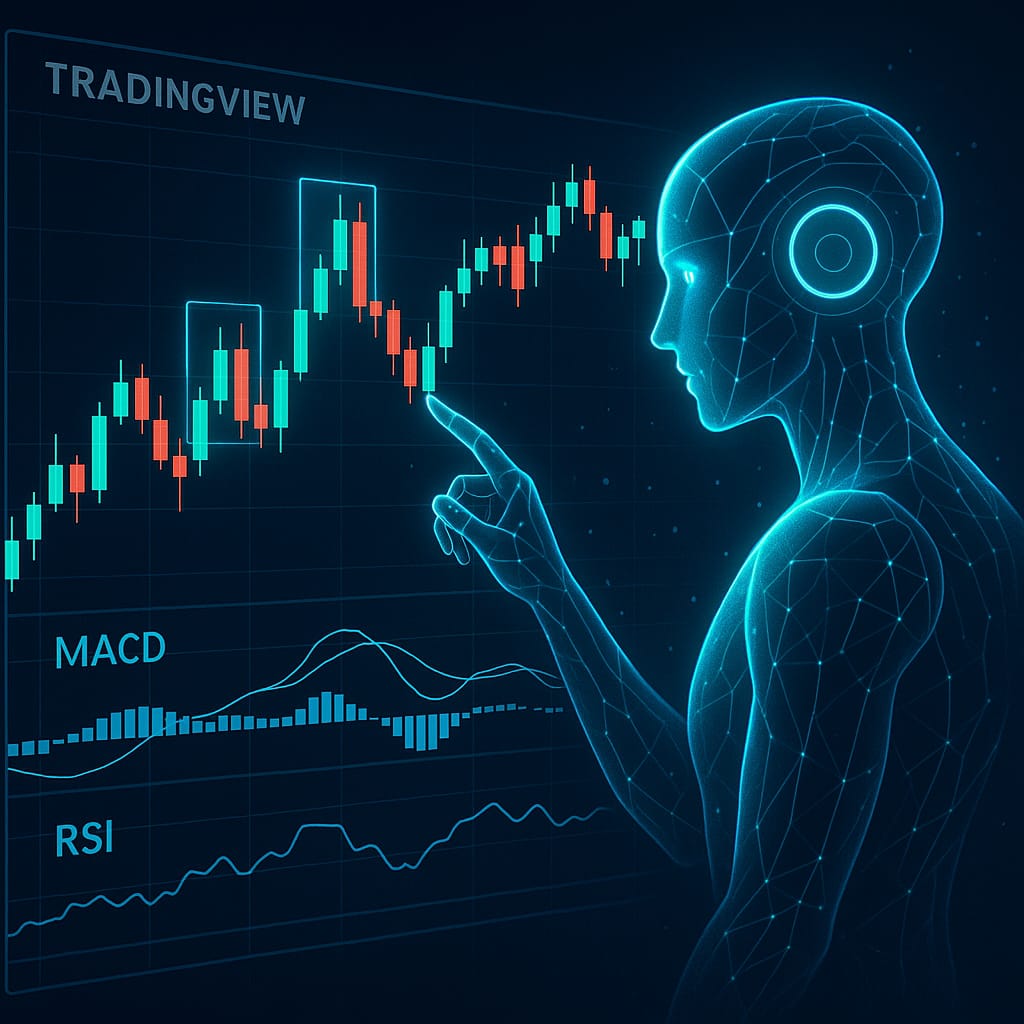
My most successful workflow combines n8n TradingView technical analysis capabilities with AI models. This setup automatically captures chart screenshots, analyzes candlestick patterns, and generates actionable trading insights. Using Airtop browser automation, I can:
- Log in to TradingView with saved layouts containing custom indicators
- Capture high-resolution chart screenshots
- Feed these images to GPT-4 Vision for analysis
- Receive detailed market insights via Telegram or email
During my testing phase, I found this workflow to be very useful for identifying candlestick patterns, MACD crossovers, and support/resistance levels. The AI analysis typically includes.
- Japanese candlestick pattern recognition.
- Moving average trend analysis.
- Volume confirmation signals.
- RSI overbought/oversold conditions.
- Bollinger Band squeeze patterns.
Browser Automation for Complex Setups
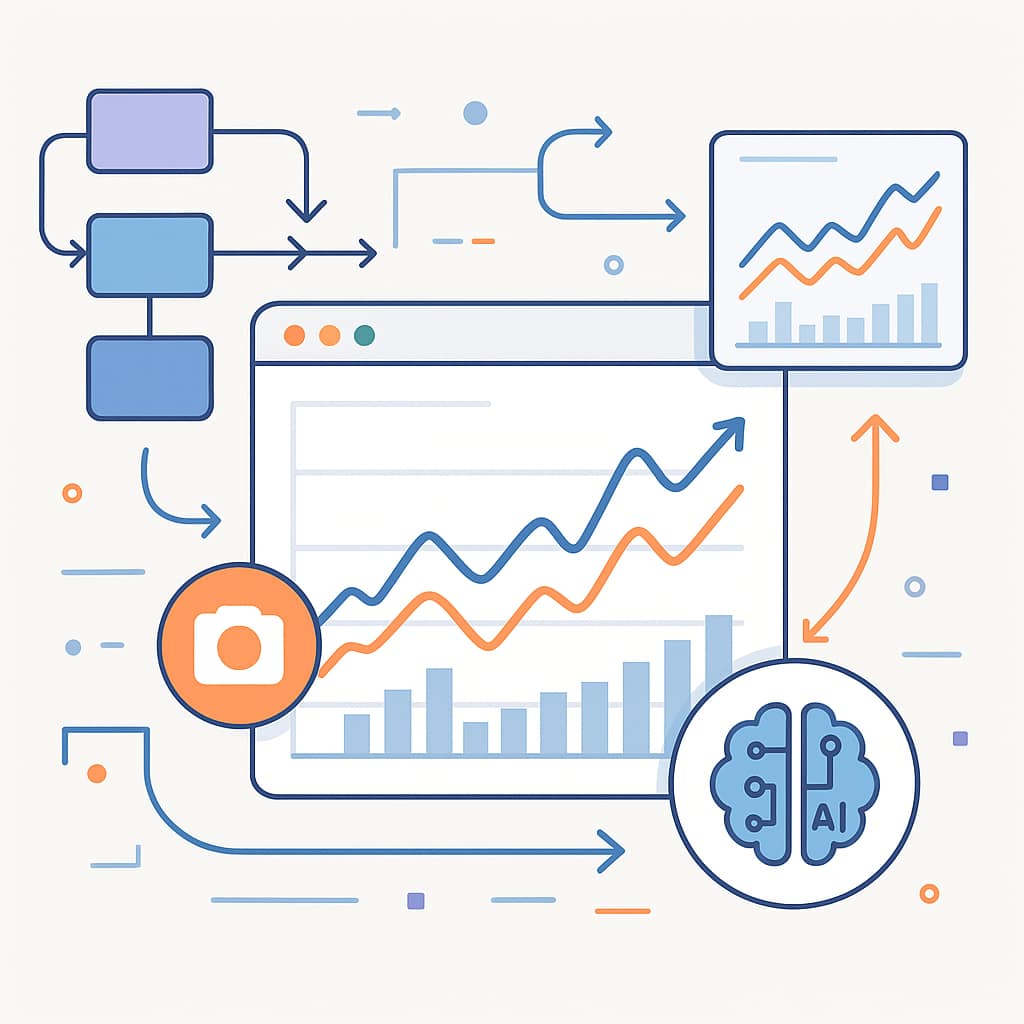
I also experimented with a Chrome extension method that captures n8n TradingView chart screenshots and sends them to n8n webhooks for AI analysis. This approach allows on-demand chart evaluation rather than scheduled automation. Key steps include:
- Installing the custom extension
- Configuring webhook endpoints in n8n
- Connecting OpenAI nodes for image analysis
- Routing responses back to the browser extension
I also explored Airtop’s browser automation integration with n8n, which changes everything. This combination allows auto-login to TradingView, saving chart layouts with custom indicators, and feeding them into AI workflows. The setup involves creating an Airtop profile with your TradingView login credentials, setting your preferred chart with indicators such as Big Beluga and SSL Hybrid, and connecting it with n8n workflows to take screenshots and use OpenAI Vision models for analysis.
Technical Implementation: How I Built My First Workflow
Setting Up the TradingView Webhook Connection
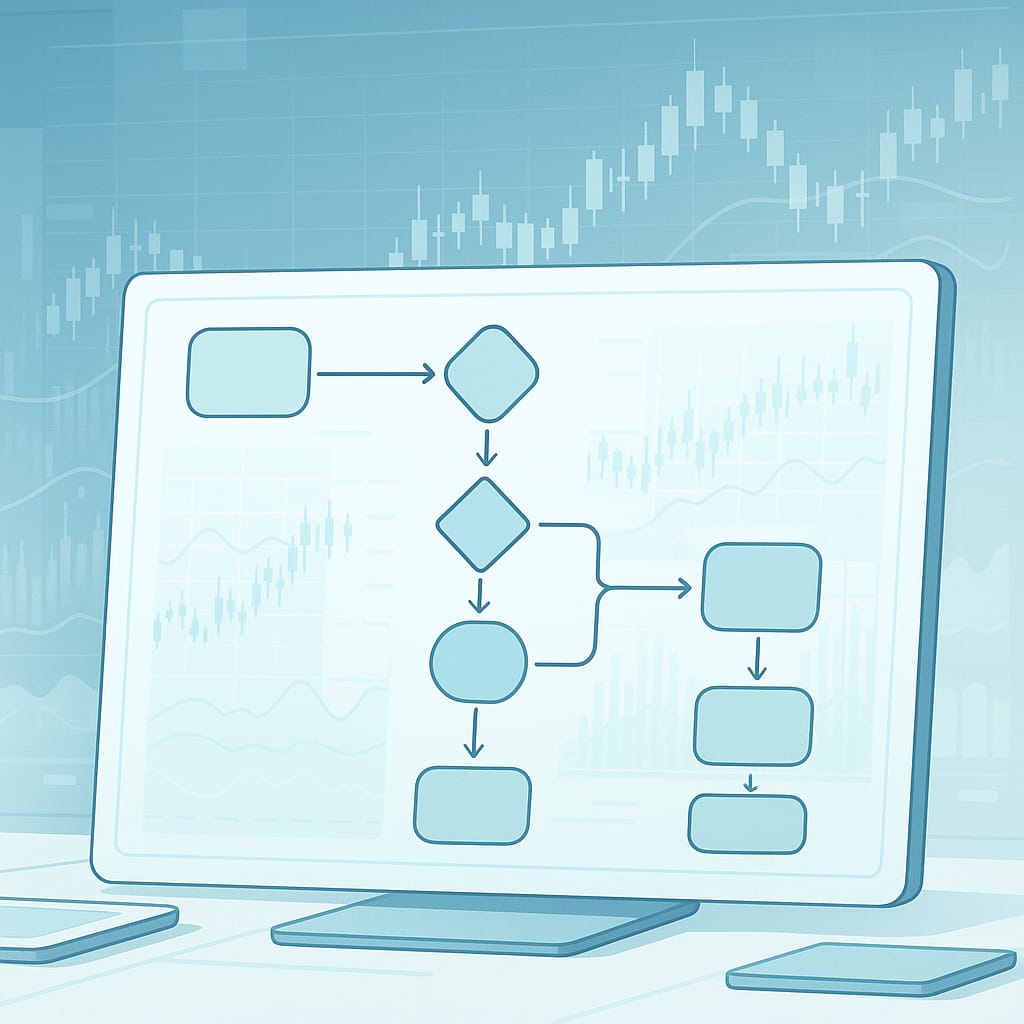
Webhook TradingView automation n8n. When I created my first webhook in n8n, I took the generated URL and pasted it into the alert notification in TradingView. This creates a direct communication path between your charts and your automation workflows.
Here’s the exact process I followed.
- Create a new workflow in n8n starting with a Webhook Trigger node.
- Copy the webhook URL from the trigger node.
- Open TradingView and create a new alert.
- In the alert settings, paste the webhook URL in the notification section.
- Configure the alert message to include relevant trading data.
Building the Processing Logic
When the webhook is connected, the real magic occurs in the processing nodes. My workflows typically consist of these components above.
Data Extraction. Function nodes are used to parse the TradingView alert data and extract the ticker signal and price data.
Conditional Logic. Using IF nodes to get signal types redirected to actions—buy signal means one response, while sell signal means another.
External Integrations. Connecting Google Sheets for logging, Telegram for notifications, and the broker API for execution.
Error Handling and Reliability
While testing it out, I learned about the valid error handling. Tradingview alerts may not be sent due to unstable networks or external APIs that go down from time to time. I now add Error Trigger nodes that can catch failures and implement retries with exponential backoff.
Market Data and Performance Statistics
The automated trading market is expanding rapidly. The crypto trading bot market alone is projected to grow from USD 1.4 billion in 2024 to USD 4.8 billion by 2033. Similarly, the automated algo trading market is expected to expand from USD 12.75 billion in 2024 to USD 30.89 billion by 2034 at a CAGR of 9.25%, according to Market Research Future. This growth reflects increasing demand for sophisticated automation solutions like n8n TradingView workflows.
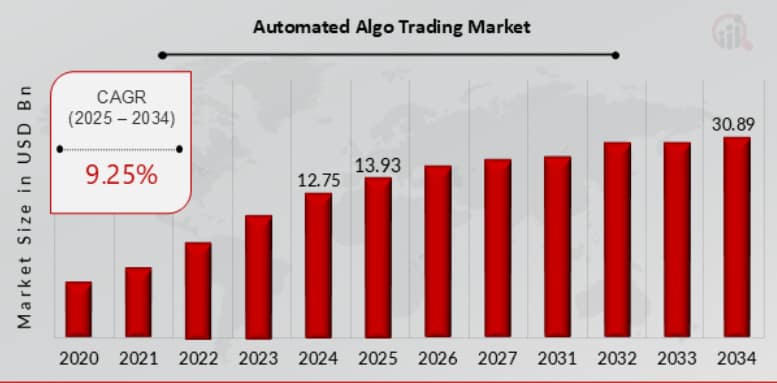
The market of automation trading programs is booming. According to recent industry analysis, the global industrial automation market reached $265 billion in 2024, with process automation representing the largest segment. There is a rising demand for automated solutions from various sectors, including financial trading.
Algorithmic trading, in the fintech domain, now makes up, roughly, 60-75% of the overall volume on major equity market exchanges. The trend towards automation is not just limited to institutional players; retail traders are also using it to compete.
The Growing Demand for Trading Automation
The trading automation market is growing rapidly. As stated by AI Agency Global, both retail and institutional traders are increasingly leveraging n8n TradingView tools to optimize execution, reduce emotional trading, and stay competitive. Integrating n8n TradingView positions traders perfectly to benefit from this trend, enabling more efficient and consistent trading workflows.
Advanced Configuration Strategies
Multi-Timeframe Analysis Workflows
One of the most potent implementations I have done is multi-timeframe confirmation. This workflow gets alerts from many TradingView charts (1 hour, 4 hours, and daily), which only send trade signals when all line up.
When an alert to work for 1 hour comes, the workflow saves it in a temporary database. The system will take a trade if 4H and daily signal confirmation are received in the same direction and time. By filtering out false signals, this method greatly increased my win rate.
Risk Management Integration
I’ve added position sizing specs directly into my n8n workflows. As soon as a trading signal arrives, our workflow automatically calculates the position size based on account balance, risk percentage, and distance to stop loss. This automation guarantees that I will not overextend myself on any given trade; even when a lot of signals occur, it will keep my amount the same.
Performance Monitoring and Analytics
I now auto-track performance. I see my win rates, average profit, max drawdown, and other metrics automatically. I regularly use this data in weekly summary emails for the optimization of my trades.
Community Resources and Templates
The n8n community has made some amazing TradingView automation templates. The awesome-n8n-templates repository on GitHub contains dozens of ready-to-use workflows covering everything from basic signal forwarding to complex AI-powered analysis.
Some standout templates include.
TradingView to MT5 automation. You are connecting TradingView and MetaTrader 5 for automated trade execution.
Multi-platform signal distribution. Simultaneously sends TradingView signals to Discord, Telegram, and email.
Sentiment analysis workflows. AI is utilized to collect and analyze social media and newspaper information for market sentiment.
Challenges and Solutions I’ve Encountered
Webhook Reliability Issues
I noticed some webhook deliveries failing during high-volatility market times. To solve the problem, I created multiple alert systems with a couple of webhook URLs. I also created a workflow to monitor for missed alerts.
Rate Limiting and API Constraints
Some outside services impose limits that can halt fast trading work. I implemented queue systems with n8n’s delay nodes and built retry logic to respect API limits and not lose important signals; this solved the issue.
Data Synchronization Challenges
When trying to work with many data sources (including TradingView, broker APIs, and Google Sheets), I had trouble keeping things consistent. I make use of database transactions and implement reconciliation workflows every night to make sure all systems stay in sync.
Security and Best Practices
API Key Management
Never hardcode API keys directly in workflows. I save sensitive data (like my broker API key, webhooks, and database connection string) in the credential system of n8n. This way, credentials are not decrypted nor stored in exports of the workflow.
Webhook Security
TradingView webhooks must use authorization tokens against unauthorized access. I make a random token for each webhook and check it on the first node of every workflow (via “If” validation) to only let TradingView alerts trigger my automations.
Backup and Recovery
All vital workflows have built-in backup systems that send workflow configurations and trading data to a secure cloud. This way, I can recover from system failures instantly without any loss of trading history, configuration settings.
Future Developments and Emerging Trends
The connection between n8n and TradingView keeps getting better very quickly. Recent developments include real-time API access through the @mathieuc/tradingview library, which enables direct data access without relying solely on webhooks.
This library makes it possible to fetch live market prices, technical indicators, screeners, and even private invite-only script data, allowing for more automated strategies that were previously impossible.
Getting Started: Your First Automation
For a structured approach to n8n TradingView automation, start simple:
- Foundation Building: Forward alerts and log trades to Google Sheets.
- Analysis Enhancement: Add AI-powered chart analysis and signal validation using n8n TradingView workflows.
- Advanced Automation: Implement risk management, portfolio optimization, and multi-strategy coordination.
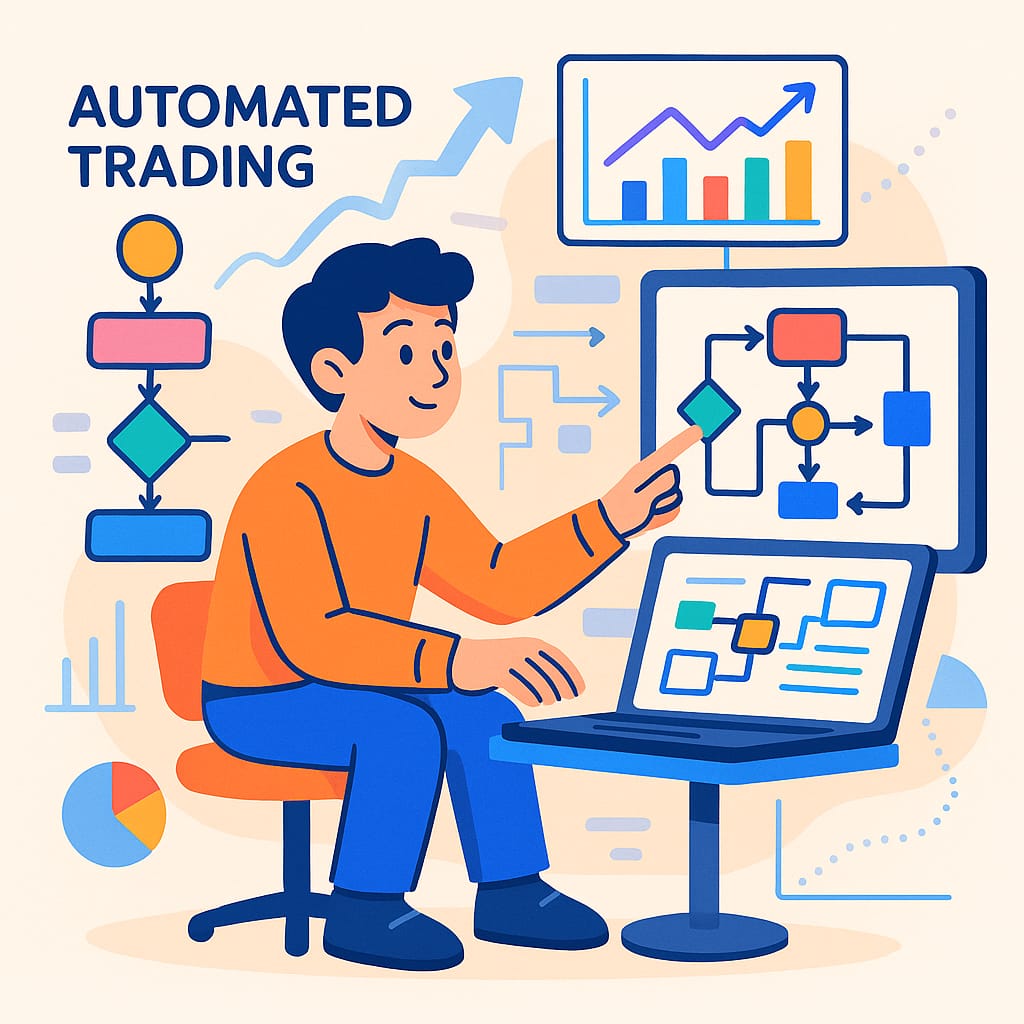
To automate your trading with n8n TradingView, begin with a basic setup that grabs alerts from TradingView and logs them to Google Sheets. Once you’re familiar with how webhooks function, gradually add Telegram notifications, technical analysis, risk management calculations, and other advanced features.
The secret is starting small and gaining confidence with the platform before attempting anything sophisticated. The learning curve is manageable, and once your systems are running smoothly, the returns in efficiency and accuracy are significant.
Remember, successful trading automation is not about removing human judgment—it’s about enabling traders to make informed decisions executed consistently. Using n8n TradingView workflow automation alongside TradingView’s analytical tools provides a solid foundation for building a profitable, scalable 24×7 trading system.


